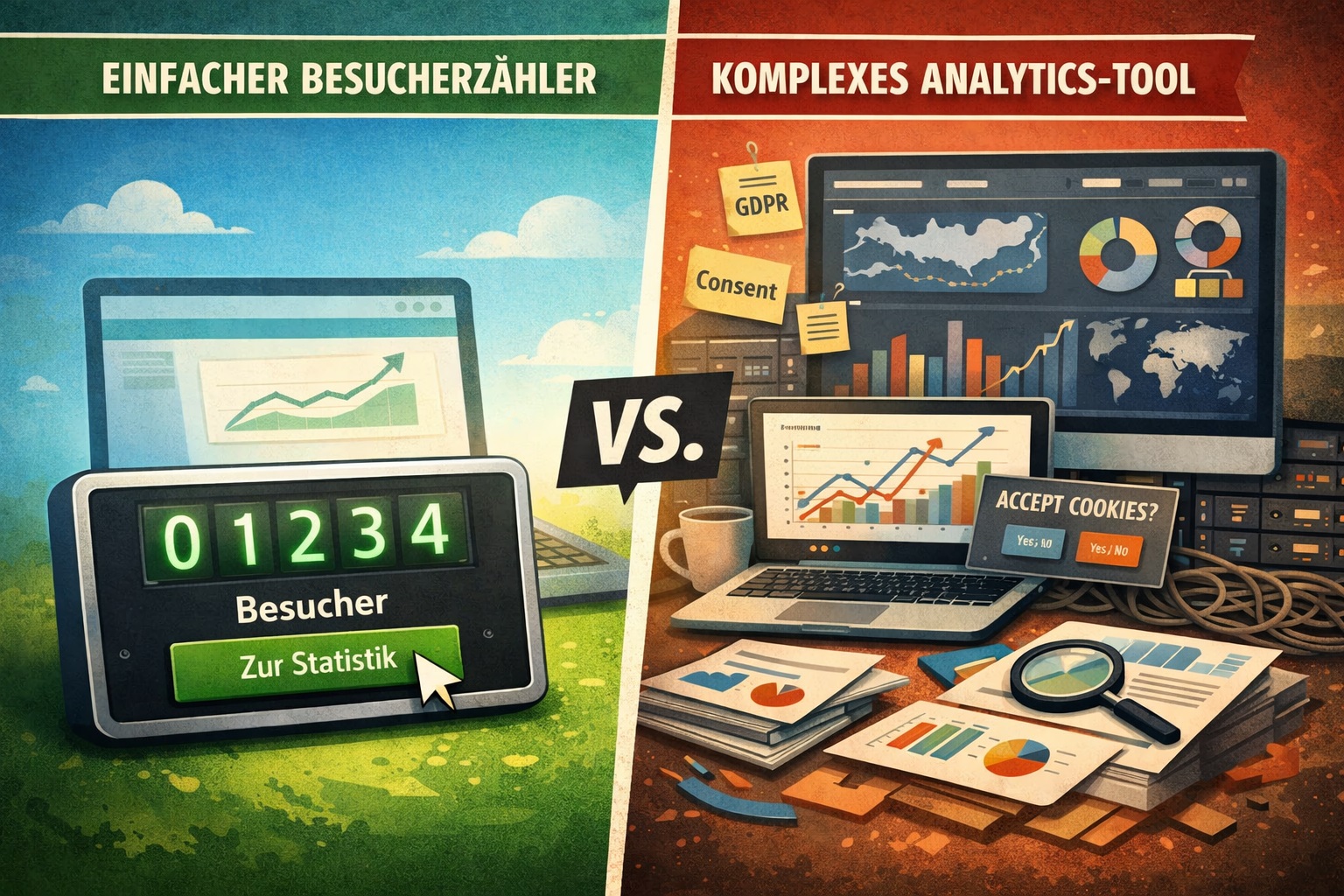
Do I really need Google Analytics? A simple visitor counter is often enough.
If you just want to know whether anyone shows up — and what they read — you often don’t need a tracking monster.
You basically just want a quick sanity check: is your site alive? Are people coming? Does an article work? Is it growing?
And then it happens: you install an analytics tool, end up with consent banners, settings, scripts, dashboards… and
two weeks later you think:
“Okay… and what do I actually do with this now?”
If you’re not running ads and not optimizing a shop funnel, the truth is often:
You don’t need “everything”. You need “enough”.
A short story (that’s suspiciously often true)
Imagine a club website. Or a blog. Or a project page.
You publish something, maybe share it somewhere — and then you want to know:
- Did anyone read it?
- Which page pulls?
- Is it going up or down?
That’s it.
For that, a full analytics stack is often like a pro tool chest when you really just need a good screwdriver.
What you actually want to know (and what you don’t)
For many small sites, answers to these questions are enough:
- Is anyone coming at all?
- Which pages are being read?
- Where do people enter?
- Is it trending up or down?
- Does traffic come from search or social? (rough is fine)
You don’t need to track every user action in detail for that.
The typical analytics overkill (and why it’s annoying)
“Big” analytics setups often come with:
- consent banners & opt-ins
- extra scripts (performance, maintenance)
- more complexity than benefit
- lots of metrics, few decisions
Result: you have 50 charts — but no clear next action.
Many metrics are vanity metrics: interesting, but with no real effect on what you change tomorrow.
The minimal setup that covers 80%
Here’s the part worth remembering.
✅ Minimal setup: 5 numbers that move you forward
- Trend (visits/views over time)
- This month vs last month
- Top pages (what’s actually being read?)
- Where visitors come from (referrers)
- Visitors’ language and location
If you check these five points regularly, you usually have enough for content decisions.
When you do need a full analytics setup
So this doesn’t sound like “analytics is pointless”: there are clear cases where you really need the “big” setup.
Use a more comprehensive setup if you:
- run ads (attribution/ROAS)
- optimize conversions (shop, leads, SaaS)
- do A/B tests
- need clean funnel/event tracking
Rule of thumb: if you’re measurably losing money without detailed tracking, you need more than “just counting”.
The pragmatic path: count instead of track
A counter isn’t “analytics light”. It’s a different mindset:
- quick to set up
- low overhead
- less distraction
- enough signal for decisions
A good visitor counter is like a speedometer:
it doesn’t tell you everything about the engine — but you can see whether you’re moving forward.
And some counters make it really practical, because one click on your counter takes you straight to your online
stats:
no dashboard maze — just: one click, look at the numbers, done.
Cookie-free + public stats: why that’s comfortable for small sites
Many site owners aren’t in the mood for:
- banner design
- consent configuration
- constant plugin updates
- that “hope this is compliant” feeling
A cookie-free solution that only counts what’s necessary is simply more relaxed for many.
And public stats can even be a plus if transparency is desired (e.g., club sites, community projects, open initiatives).
There are counters that are completely free (and still feel “complete”)
Important: a counter doesn’t automatically mean “free vs premium”. There are services that are fully free and still offer things you actually use day to day — for example:
- public online statistics instead of “hidden” numbers
- many designs/styles so the counter fits your site visually
- multi-language support (if your site has an international audience)
- a workflow that doesn’t annoy you: embed → let it run → quick check
The point: you don’t have to install “big tracking” just because you want a handful of useful metrics.
Mini routine: 5 minutes per week (often that’s all you need)
If you want to use numbers sensibly, keep it simple:
- once a week (e.g., Sunday evening)
- check: trend + top pages + entry pages
- decide one thing:
- “I’ll update this article”
- “I’ll make this link more prominent”
- “I’ll do this topic next”
Numbers are only valuable if they trigger a decision.
Conclusion
For many small websites, a full analytics setup is overkill.
If you mainly publish content and want to know whether you’re making progress, a minimal setup is often enough: trends, top pages, entry points — done.
If you want to look at a free visitor counter that’s cookie-free, offers public online stats, has many designs and supports multiple languages: besucherzaehler.gratis


